Mastering Canon camera settings doesn’t have to feel like rocket science but is something that can transform your photography. If you’ve peeked at my posts on how to edit travel photos or what’s in my camera bag, you know I love sharing practical tips.
Drawing from my own adventures using my Canon EOS R6, alongside insights from photography pros, we’ll break down the essentials in this beginner-friendly guide.
This post may contain affiliate links. Your purchase through these links supports me with a commission, at no added expense to you.
THE BASICS OF CANON CAMERA SETTINGS: YOUR STARTING POINT
If you’re new to your Canon the key to great photos lies in understanding a few core settings: aperture, shutter speed, ISO, and white balance. Basically, these are like the ingredients in a recipe; tweak them to suit your scene, and you’re golden.
Canon’s menu system, especially on newer models, is super intuitive, letting you adjust these with buttons or a touchscreen while you’re out exploring.
Aperture: Controlling What’s in Focus
Aperture is like your camera’s eye – it decides how much light comes in and how sharp your photo is. It’s measured in f-stops, like f/2.8 or f/11. A lower number (e.g. f/2.8) lets in more light and blurs the background, perfect for portraits. A higher number (e.g., f/8 or f/11) keeps everything sharp, great for when you’re trying to capture the landscape in all its glory. According to Canon USA, Canon’s Aperture Priority mode (Av on your mode dial) lets you pick the f-stop while the camera handles the rest – making it super easy for beginners.
Shutter Speed: Freezing or Blurring Motion
Shutter speed controls how long your camera’s sensor sees the scene. Think of it as a window blind opening and closing. Fast speeds like 1/1000+ freezes motion, like a bird flying by. Slower speeds like 1/10s create blur, like silky waterfalls, (but make sure to bring along a tripod). According to Digital Photography School, Canon’s Shutter Priority mode (Tv) is great for beginners to lock in a speed while the camera adjusts other settings.
ISO: Brightening Your Shot
ISO decides how sensitive your camera is to light. Low ISO (100-400) works in bright daylight for clear, crisp photos (this is mainly where I like to play). Whereas higher ISO (800-3200) helps in dim light, like dusk on a trail. But, just be warned, bumping you ISO too high can make photos grainy. According to Photography Life, Canon’s Auto ISO is a lifesaver for beginners – according to your preference, set a cap in the menu to keep things clean.
White Balance: Getting Colours Right
White balance makes sure your photos colours look natural, not too blue or orange. Canon’s Auto White Balance (AWB) works well for most scenes, but you can tweak it for special moments. Fstoppers are right in saying that shooting in RAW lets you fix colours in editing (along with some other helpful tips about RAW). RAW is the only format I shoot in as it’s something I heavily rely on, especially when it comes to editing photos for a great final product.
Here’s a simple Canon camera settings cheat sheet for beginners:
Setting | What It Does | Best For |
Aperture | Controls focus depth | Landscapes (higher), Portraits (lower) |
Shutter | Freezes or blurs motion | Action (higher), Waterfalls (lower) |
ISO | Brightens the shot | Daylight (lower), Low Light (higher) |
White Balance (AWB) | Fixes colors | Most scenes |
USING CANON CAMERA SETTINGS IN REAL ADVENTURES
Now, let’s see how these basics work in travel scenarios. I’ve kept this simple, focusing on moments you’re likely to encounter, with tips from pros to make it foolproof. I am a little biased here as I always shoot in Manual Mode but based on what I know, the following is great for beginners exploring Canon Camera Settings.
On the Trail: Capturing Landscapes
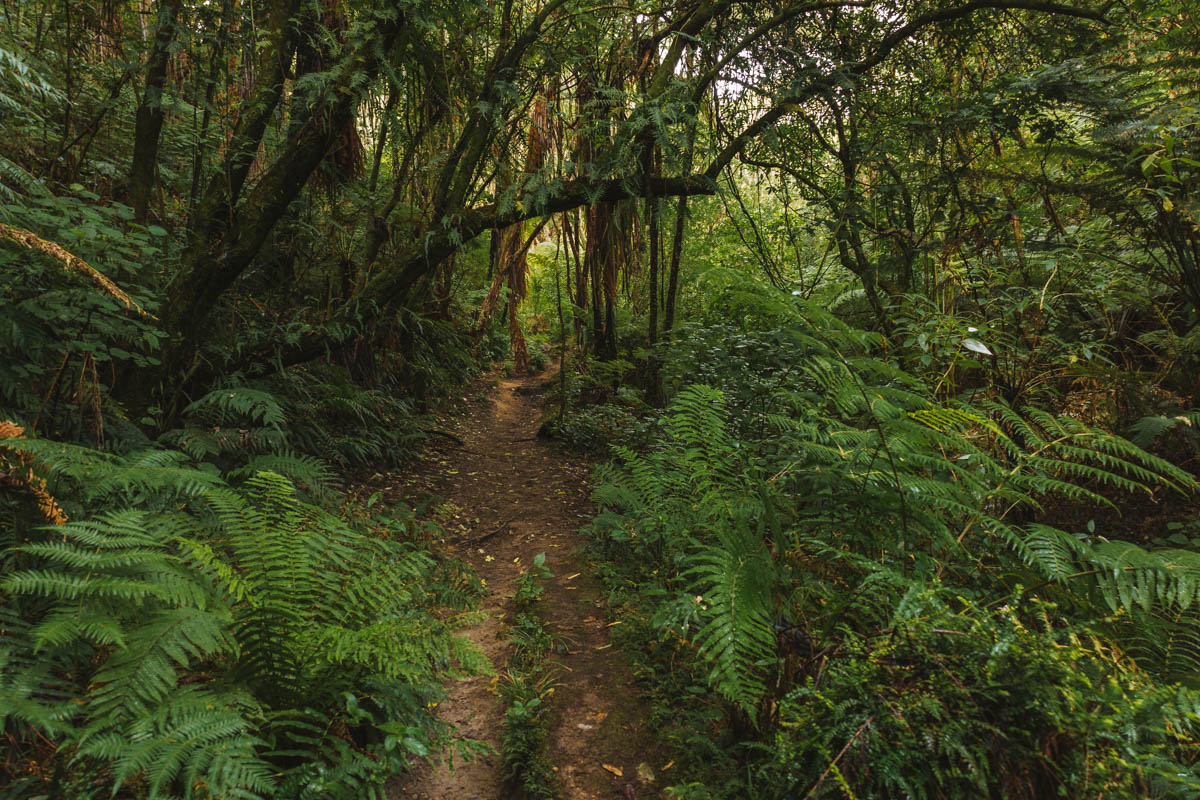
For epic mountain or forest shots, use a higher f-stop like f/8+ to keep everything sharp. Set ISO 100 for daylight and 1/500s shutter to avoid blur if you’re handheld. Although depending on how bright your scene is, you could bump this up significantly. According to Outdoor Photographer, Canon’s evaluative metering balances bright skies and dark trees perfectly. On a recent hike, I used f/10 to capture forest scenery in sharp detail, just make sure to check the histogram on your Canon’s screen to avoid over bright skies.
Travel Portraits: Capturing People in Nature
If capturing people and portraits are more what brings your stories to life then it’s best to use a lower f-stop like f/4. This will blur the background, making your subject the main focus of the image. Set auto ISO and a shutter speed of 1/125s or faster to freeze their different expressions.
Low Light: Sunsets and Dusk
For golden-hour trails, use f/4 to bring in more light and a higher ISO (or play with both f-stop and ISO in tandem to see what works best), along with a 1/125 shutter. According to PetaPixel, Canon’s low-light performance shines with Auto ISO, but make sure keep an eye on grain. Although it is something you can enhance when you’re editing, it’ll save you a bit of time in post if you capture it with a setting that doesn’t cause pixilation (i.e. ISO).
COMMON MISTAKES WITH CANON CAMERA SETTINGS
We all slip up – here’s how to avoid common Canon camera settings errors, learned from my own oopsie moments.
- Blurry Photos: If shots are fuzzy, it’s likely that your shutter is too slow. Bump this up and always check your lens’s image stabiliser (IS) is on if you can’t stabilise the camera handheld or with a tripod.
- Grainy Images: High ISO in bright light causes noise. Use a lower ISO to avoid this. I’ll typically go low in my ISO as possible as I’m mainly shooting during the day but make sure to play around with this, the f-stop and shutter speed.
- Wrong Colours: If photos look blue or orange, check white balance and if needed, reset to AWB.
- Dark or Bright Shots: Make sure to keep checking your Canon’s histogram for exposure.

SUMMARY
That’s your beginner’s guide to Canon camera settings – aperture, shutter speed, ISO, and white balance are all you need to start capturing stunning travel photos. Play with Av or Tv mode, or even full manual mode if you’re feeling up to it! Make sure to keep ISO low in daylight, and additionally, shoot RAW for easy edits. These basics are like training wheels – once you’re comfortable, you’ll be ready for more!
Grab your Canon, try these settings on your next adventure, and share your learnings in the comments, I’d love to hear about it!
Need gear tips? Check my Essential Photography Gear for Hiking. Or, if you’re looking plan your next scenic hike, explore my full collection of ultimate New Zealand destinations for more inspiration. And lastly, for worldwide destinations, check out my comprehensive travel guides.